
The purchase order process, step by step, with a real example
The purchase order process runs from an internal request to a paid invoice and a closed PO, in eight steps: requisition, approval, supplier and terms, PO issued, supplier confirmation, goods receipt, invoice matching, payment and close. Below: each step with who acts and what document it produces, one real looking order followed from request to payment, the supplier's side of PO processing, and where the process usually breaks.
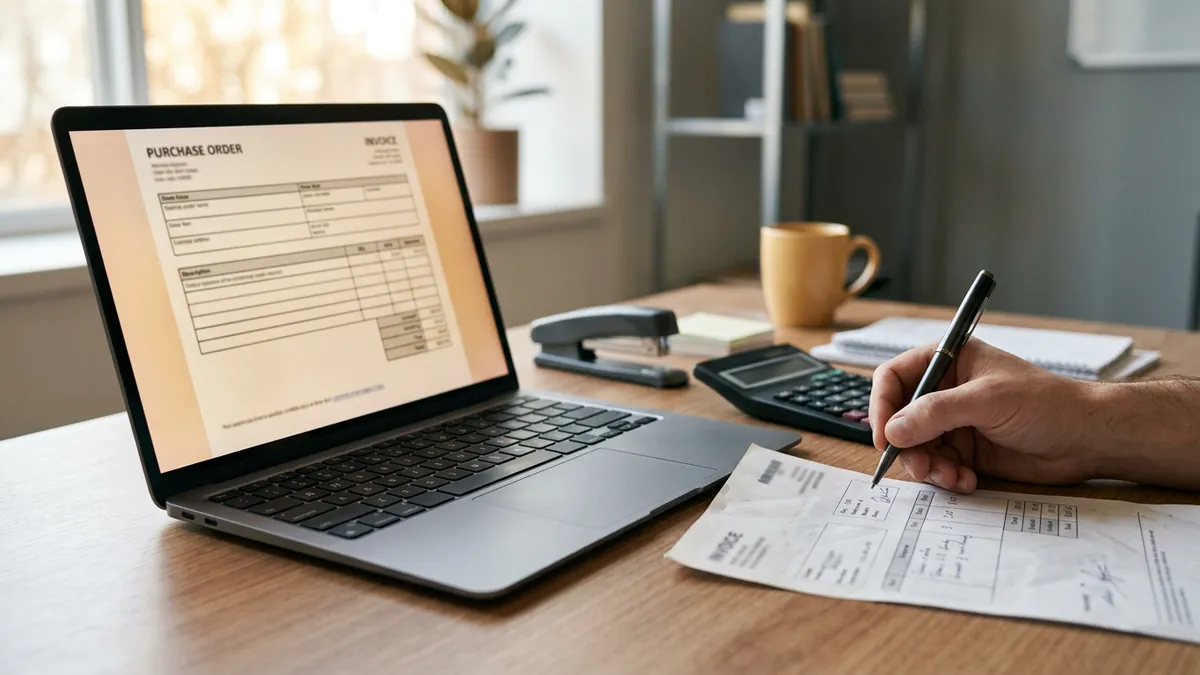
What is the purchase order process?
The purchase order process is the sequence a company follows to buy something with a purchase order (PO): someone states a need, it is approved, the buyer issues a PO, the supplier confirms and delivers, the invoice is checked against the order and the delivery, and the supplier is paid. The last step is easy to forget: the PO is then closed, so it stops counting as money committed.
It sits inside a wider cycle that finance teams call procure to pay (P2P), which also covers sourcing, supplier onboarding and contracts. The PO process is the part that every single order goes through, whatever the amount. If you need the PO document itself explained, field by field, start with our guide on what is a purchase order.
A written purchase order procedure is the company's own version of these steps: who may request, who approves up to which amount, which purchases need a PO at all, and what happens when an invoice arrives without one. The steps below are the common skeleton; the thresholds and names change from one company to the next.
The 8 steps of the purchase order process
Most guides count between six and nine steps. The difference is only in how finely they cut. Here is the full sequence, with the document each step produces.
- Identify the need and raise a purchase requisition. An employee or a department asks to buy something: item, quantity, budget line, preferred supplier. The purchase requisition (PR) is an internal request; nothing has been ordered yet, which is the core of the purchase requisition vs purchase order distinction.
- Approve the requisition. A manager, then finance above a set amount, checks the budget and the need. Rejected requests stop here.
- Choose the supplier and confirm the terms. Purchasing picks an approved supplier, or requests quotes, and fixes price, delivery date and payment terms.
- Create and issue the purchase order. The buyer turns the approved request into a PO with a unique PO number, one line per item, prices, terms and the delivery address, then sends it. From this point the amount is a commitment.
- Get the supplier's confirmation. The supplier accepts the PO, sometimes with changes (a later date, a substitute item, a new price) in an order acknowledgement. Changes go back to the buyer as a PO revision.
- Receive the goods or services. The warehouse or the requester records what actually arrived, line by line, in a goods receipt (GR) or goods received note. Short and damaged quantities are noted here, following the GRN process.
- Match the invoice. Accounts payable (AP) compares the supplier's invoice with the PO and the goods receipt, line by line, before approving it: this is three way matching.
- Pay the supplier and close the PO. The invoice is paid on its due date and the PO is closed once every line has been received and invoiced, or cancelled.
In ERP systems these steps show up as statuses on the PO. Microsoft Dynamics 365, for example, moves a PO through approval statuses (Draft, In review, Approved, Confirmed, Finalized) and, separately, shows the quantities as Open order, Received or Invoiced. A partly received or partly invoiced order stays an Open order until the last line is done. Other systems use other words, but the logic is the same: approval first, then quantities.
| Step | Who acts | Document produced | Typical PO status | What most often goes wrong |
|---|---|---|---|---|
| 1. Need | Requester | Purchase requisition | No PO yet | Vague item, no budget line |
| 2. Requisition approval | Manager, finance | Approved requisition | No PO yet | Approval waits in an inbox |
| 3. Supplier and terms | Purchasing | Quote, contract price | No PO yet | Price agreed by email, not recorded |
| 4. PO issued | Purchasing | Purchase order | Draft, In review, Approved | Order placed before the PO ("after the fact" PO) |
| 5. Supplier confirmation | Supplier | Order acknowledgement | Confirmed | Changed price or date not fed back |
| 6. Receipt | Warehouse, requester | Goods receipt | Open order, then Received | Short delivery not recorded |
| 7. Invoice matching | Accounts payable | Approved or held invoice | Invoiced | PO number missing, prices differ |
| 8. Payment and close | AP, purchasing | Payment, closed PO | Finalized (closed) | Open balances never closed |
A worked example: one PO from request to closed
Take the specimen order used across our guides: PO NDC-2026-0418, issued by Northfield Dental Clinics to Brightline Medical Supply for 40 boxes of nitrile gloves, 12 boxes of syringes, 25 packs of gauze and 30 canisters of wipes, $867.00 in total, Net 30. The names are fictitious; the sequence is the one most mid-size buyers follow.
| Date | Step | What happens | PO status after |
|---|---|---|---|
| 2 Nov | Requisition | The clinic manager asks for the monthly consumables, budget line "clinical supplies" | No PO yet |
| 3 Nov | Approval | Regional manager approves; under the clinic's finance threshold, so no second approver | No PO yet |
| 4 Nov | PO issued | Purchasing issues NDC-2026-0418 for $867.00, delivery by 12 Nov | Approved |
| 5 Nov | Confirmation | Brightline confirms by email: gloves short, 38 of 40 boxes in stock | Confirmed |
| 10 Nov | Receipt | Receiving records 38 boxes of gloves and every other line in full | Open order (2 boxes still due) |
| 12 Nov | Invoice | INV-BMS-55102 arrives for $856.50, quoting the PO number | Open order |
| 13 Nov | Matching | Gloves billed at 38, as received. Syringes billed at $11.90 a box, PO says $11.40: invoice held | Open order |
| 17 Nov | Resolution | Brightline sends a credit note for $6.49; payable amount becomes $850.01 | Open order |
| 12 Dec | Payment | $850.01 paid on the due date (Net 30 from the invoice) | Open order |
| later | Close | The 2 remaining boxes are delivered and invoiced, or the buyer cancels them and closes the PO | Closed |
Three things in this example are typical. First, the confirmation already announced the short delivery, but nobody changed the PO, so the receipt is what tells AP to expect 38 boxes. Second, the price difference ($0.50 a box on 12 boxes, plus $0.49 of tax on it) only shows up when the invoice is compared line by line; the invoice total is below the PO total, so a check on totals alone would have paid it. The full calculation is in our guide on purchase order vs invoice. Third, the PO is still open after payment: $15.70 of gloves, plus tax, remain committed until someone decides.
PO processing on the supplier side
PO processing means two different jobs depending on which side you are on. For the buyer, it is the eight steps above. For the supplier, it starts when a customer's PO lands in an inbox and ends when the goods ship and the invoice goes out quoting the right PO number.
- Receive the PO by email, portal, EDI or fax, often as a PDF or a scan.
- Check it against the quote: item codes, prices, quantities, delivery date, ship to address.
- Acknowledge it, with any change (substitute item, partial stock, new date) stated clearly.
- Enter it as a sales order in the ERP, line by line. This is where most supplier errors start, because the customer's item codes and units rarely match the supplier's catalogue.
- Ship and invoice, quoting the customer's PO number exactly as written, so the buyer's AP can find the order.
Brightline's side of NDC-2026-0418 went through these five steps too. The syringe price on its invoice ($11.90) most likely came from a price list that had changed since the quote; the customer's PO said $11.40 and nobody compared the two when the order was keyed. On the supplier side, the reading and keying step is what sales order automation addresses.
Changes, partial deliveries and closing the PO
The straight line from step 1 to step 8 is the exception. Four situations account for most of the extra work in a PO process.
- Change orders. If quantity, price or date changes after the PO is issued, the buyer issues a revision (the same PO number with a revision or version number) rather than a new PO. Without it, the receipt and the invoice are compared with terms that no longer apply.
- Partial deliveries and back orders. One PO, several receipts and often several invoices. Each invoice is matched against what was received so far, and the PO stays open for the rest.
- Cancelled lines. A line that will never be delivered has to be cancelled on the PO, or it stays in the commitments and in the open order reports.
- Closing. A PO is closed when every line is received and invoiced, or cancelled. Many systems close automatically when quantities balance; anything else needs a person. Open POs with small leftover balances are a common audit finding, because they make spending look committed when it is not.
A related shortcut deserves a warning: the PO raised after the invoice has arrived, sometimes called an "after the fact" PO. It keeps the paperwork tidy but skips the point of the process, which is to approve the spending before it happens.
Where the purchase order procedure breaks
When a PO process slows down, the cause is rarely the approval rules. It is the handoffs between documents, where data is typed again from a PDF or an email into another system. The table lists the handoffs in our example and what each one needs to stay reliable.
| Handoff | Data that crosses | Typical error | What prevents it |
|---|---|---|---|
| Quote to PO | Item codes, prices | Old price on the PO | Contract prices held in the ERP |
| PO to supplier sales order | Every line | Wrong unit (box vs each), wrong code | Line by line check against the catalogue |
| Delivery to goods receipt | Quantities received | Short delivery recorded as full | Receipt entered from the delivery note, line by line |
| Invoice to AP | PO number, lines, totals | PO number mistyped, line totals not added up again | Totals recalculated, PO number read as its own field |
| Matching to payment | Approved amount | Total checked instead of lines | Line by line three way matching |
Each of these errors is small on its own. They pile up because the same order is keyed again three or four times by different people, each with a document in a different layout. The three way matching step is designed to catch them at the end, but it can only compare what was entered correctly at each earlier handoff.
Automating the reading steps
Purchasing suites and ERP modules automate steps 1 to 4: requests, approval rules, PO creation and sending. The steps that still involve reading documents (the supplier's PO intake, the delivery note, the invoice) are the ones that stay manual longest, because those documents arrive from outside, in every layout.
Koncile, the company behind this site, covers that reading part. It reads purchase orders, delivery notes and invoices, scanned, faxed, photographed or handwritten, and returns the header and every line item (item code, description, quantity, unit, unit price, amount) as fields, with a confidence score on each value; depending on your setup, lines can be matched against a catalogue and the PO compared with the delivery note and the invoice. It does not create POs, run approval workflows or pay invoices: steps 1 to 4 and step 8 stay in your ERP or procurement suite. Accuracy drops on dense handwriting, low resolution scans and skewed photos, so low confidence values are best reviewed by a person. Our page on purchase order processing software explains where it fits next to purchasing tools.
Frequently asked questions
01What are the steps in the purchase order process?
Eight in most companies: purchase requisition, requisition approval, supplier and terms, PO issued, supplier confirmation, goods receipt, invoice matching, then payment and closing the PO. Some guides merge or split steps, but the order is the same.
02What is PO processing?
For a buyer, it is the whole sequence from approved request to paid invoice and closed PO. For a supplier, it is receiving a customer's PO, checking it, acknowledging it and entering it as a sales order before shipping and invoicing.
03What are the steps in a purchasing process?
The purchasing process is wider than the PO process: it adds sourcing, supplier selection and contracts before the first order, and supplier review after. The PO steps (request, approval, order, receipt, invoice, payment) are the part repeated for every purchase.
04Who sends a purchase order?
The buyer sends it to the supplier, after the internal request has been approved. The supplier answers with an order acknowledgement, then delivers and invoices quoting the PO number.
05What is the difference between a purchase requisition and a purchase order?
A requisition is an internal request to buy, sent to a manager or to purchasing. A PO is the external order sent to the supplier once the requisition is approved. Only the PO commits the company to pay.
06What happens if the invoice does not match the PO?
AP holds the invoice and asks either the buyer (was the price or quantity changed?) or the supplier (credit note or corrected invoice). Most companies set tolerances so that very small differences are approved without a hold.
07When should a purchase order be closed?
When every line has been received and invoiced, or cancelled. Leaving it open keeps the remaining amount in the budget as committed and in open order reports.
08Does every purchase need a PO?
No. Companies usually exempt small purchases under a set amount, recurring bills such as utilities, and card spending. The written purchase order procedure says which purchases need a PO and what to do when an invoice arrives without one.
Sources
- Purchase order overview, Dynamics 365 Supply Chain Management documentation, Microsoft Learn (page dated 9 August 2026, read on 7 November 2026): order, document and approval statuses.
- Approve and confirm purchase orders, Microsoft Learn (read on 7 November 2026): approval statuses from Draft to Finalized.
Stop retyping documents in your PO process
Upload a purchase order, a delivery note or an invoice and get the header and every line back as fields. No card, no call.
Create a Koncile account, 20 free creditsTalk to an expert
20 free credits, no credit card. For professional use only.